By FangFang, an independent studio run by Fang Fang that makes the Iris Art app. This article was drafted with AI assistance and reviewed by a person before publishing. App details on this page (styles, credit costs, prices) were checked against the live app and its App Store listing in September 2026.
What is iris art?
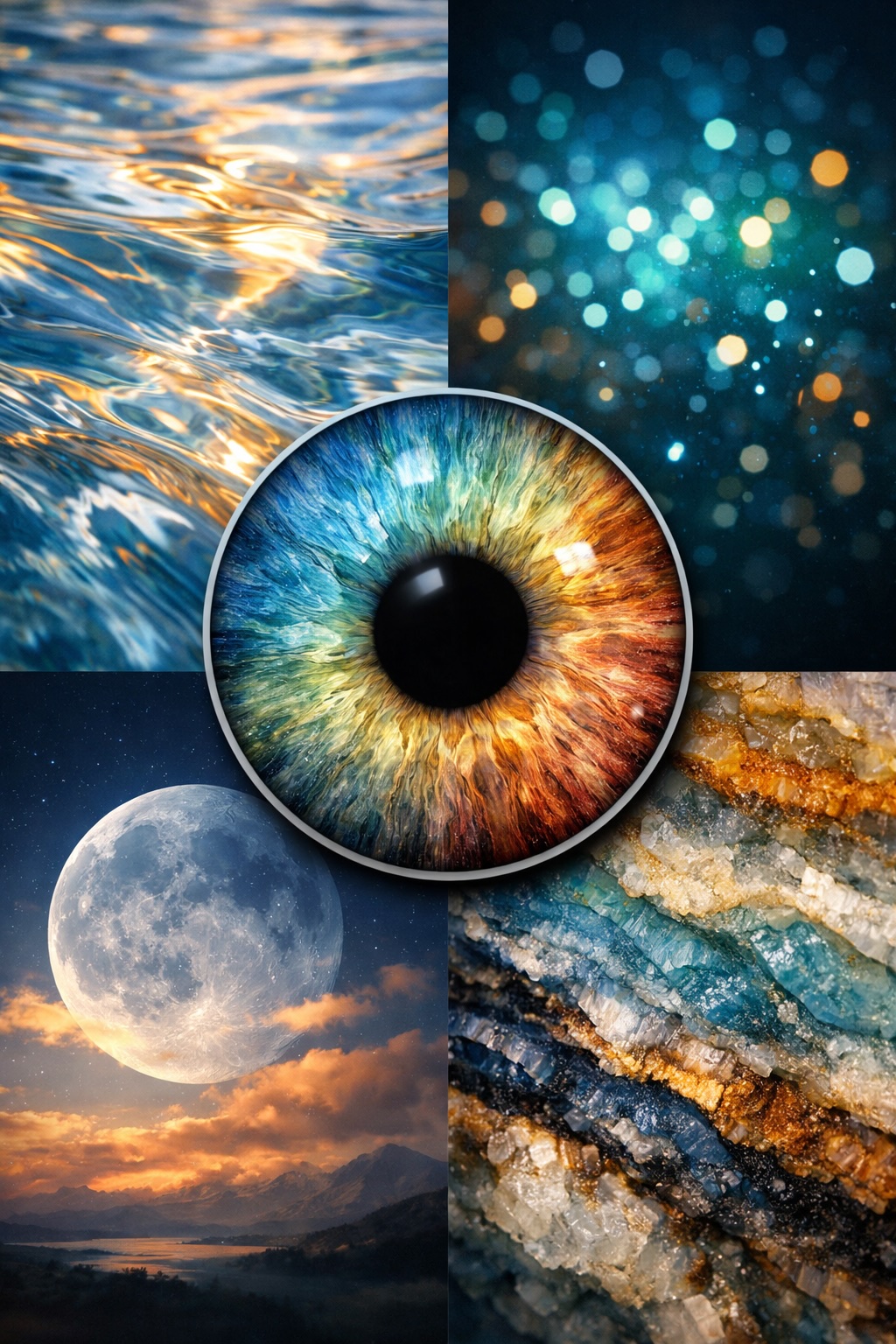
Iris art is artwork made from a close-up photo of the iris, the colored ring around the pupil. The photo is enlarged so the colors, fibers and patterns fill the frame, then it is printed, framed or used as a wallpaper. Many pieces add an effect around the iris, such as a glow, smoke or a starfield.
Every iris pattern is different, which is why people use iris art as a personal keepsake or a gift.
Two ways to get iris art: a studio or an app
Iris photography studios shoot your eye in person with a macro lens and special lighting, then sell prints on canvas, acrylic or paper. You get a true photograph of your iris, but you have to visit a studio and pay for the print.
AI iris art apps such as Iris Art start from a photo taken with your phone. An AI image model turns that photo into a studio-style artwork with the effect you choose. You don't need a studio or a macro lens. The trade-off is that the result is an AI rendering based on your photo, not a macro photograph. A phone photo holds less detail than a studio shot, so the model can fill in fine texture that your camera did not capture.
How it works in the Iris Art app
- Pick a style. As of September 2026 there are nine single-eye styles, including Classic Iris, Cosmic Halo, Gilded Splash and Ember Smoke. There are also five couple styles, such as Two Halves and Infinity Loop, that combine two people's irises into one artwork.
- Take or import an eye photo. The in-app camera shows tips on lighting, focus, distance and angle, or you can import a photo from your library. Couple styles need one eye photo from each person.
- Generate, save and share. The app creates the artwork from your photo. You can save it to Photos, share it, and find it again in the app's history.
How to take a good iris photo
The sharper your photo, the better the artwork:
- Use bright, even light. Daylight near a window works well. Direct flash can leave a bright reflection on the iris.
- Get close and focus on the iris. Fill the frame with the eye and check the iris is sharp before you shoot.
- Hold steady. Even slight blur softens the fine fibers.
- Keep the eye open. Eyelids and lashes covering the iris hide part of the pattern.
What can you do with iris art?
- Phone and desktop wallpapers
- Social posts and profile pictures
- Printed posters, canvases and gifts for partners, family and friends
What does it cost?
The Iris Art app is free to download, and you can browse every style for free. Each artwork costs 5 credits. New users get 3 free credits, which is not enough for a full artwork, so you need a credit pack to create your first piece. Packs of 5, 12 and 25 credits cost $1.99, $3.99 and $5.99 on the US App Store (September 2026). There is no subscription, and credits never expire.
What happens to my eye photo?
Your photo is sent to our AI provider only to create the artwork. It is not stored permanently on our servers, and we do not use it for facial recognition or to identify you. Details are in the app privacy policy. Iris Art is an art tool. It does not examine your eyes or assess eye health.
Try it
Download Iris Art on the App Store, pick a style and take a close-up of your eye.